
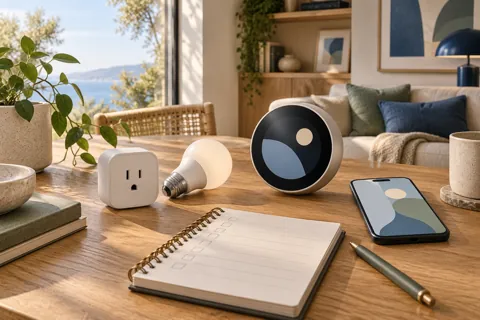
Apple Home essentials
Apple Home compatibility: a practical buying checklist
Apple Home compatibility is a feature check for an exact model, not a verdict about an entire brand.
Read the guideApple Home compatibility is a feature check for an exact model, not a verdict about an entire brand.
Read the guide
Apple Home guest access has a specific meaning: an invited Guest role provides scheduled local access to certain security accessories.
Read the guide
Your Apple TV may still have a job after a kitchen screen arrives. Apple HomeView and HomePod overlap in shared home tasks, but neither should be assumed to replace every television function.
Read the guide
Apple HomeView and Philips Hue should be planned around the connection your exact lights already use.
Read the guide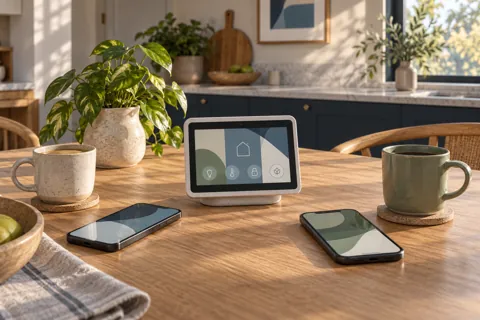
Separate common screen interaction from personal enrollment and remote access in a mixed iPhone and Android household.
Read the guide
Apple HomeView apps fall into distinct groups: built in apps, apps available from an iPhone and supported third party audio or video apps.
Read the guide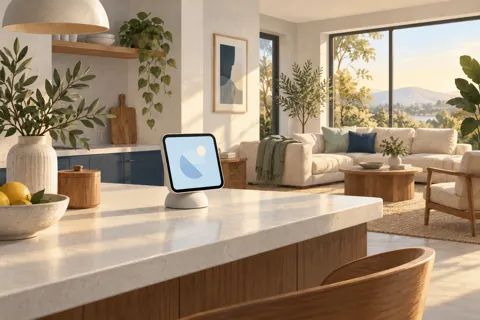
Decide whether Apple HomeView solves a useful household problem before choosing a model or replacing existing equipment.
Read the guide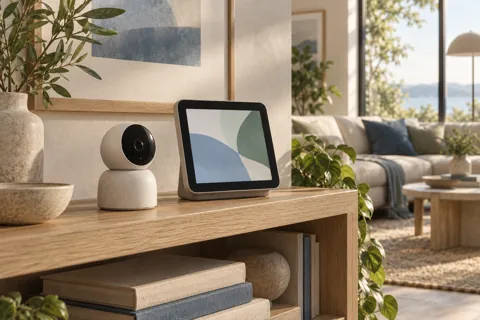
Apple HomeView camera requirements depend on the task: viewing a live feed, recording events and using camera intelligence are separate checks.
Read the guide
Apple HomeView compatible devices are best checked through Apple Home, not through a brand logo or wireless label.
Read the guide
Compare usable installations with worked examples, reused equipment, installer quotes and optional service spending.
Read the guide
Apple HomeView PoE planning needs three confirmed links: a compatible mount, a suitable network power source and a usable Ethernet route.
Read the guide
A Apple HomeView power adapter decision starts with the physical model. The tabletop model includes its cable and adapter.
Read the guide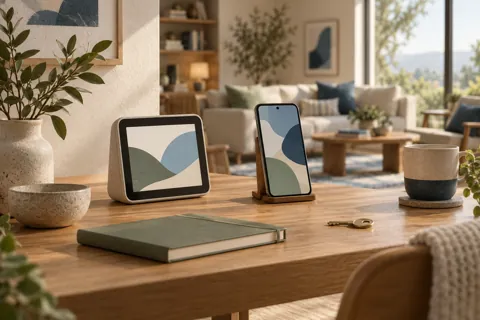
Apple HomeView privacy has two separate questions: when the device allows personal content, and who can see or hear it once it appears.
Read the guide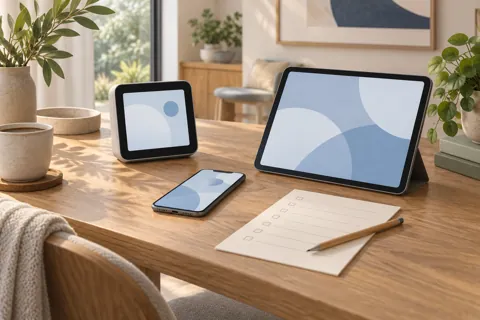
Check device, software, account and feature eligibility separately, with a worksheet for each personal user.
Read the guide
Choose the physical model around the room, task, users and complete power route rather than the bare display price.
Read the guide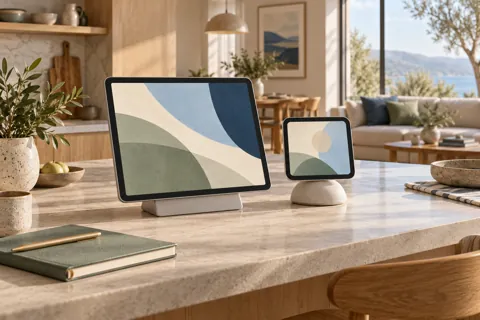
The Apple HomeView vs iPad decision starts with the tablet you already own. If it can perform your actual household task, try it before buying another screen.
Read the guide
A paper outline on the wall can reveal a poor screen location before you spend anything.
Read the guide
Apple HomeView wall mounts should be compared as complete power routes, not just brackets. The documented Schneider options use an external USB-C adapter, household AC wiring or Power over Ethernet.
Read the guide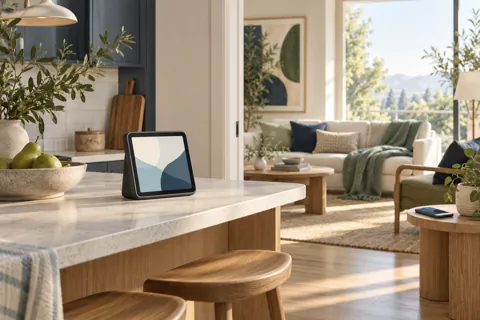
Understand the difference between a phone in another room, a paired device leaving home and a network outage.
Read the guide
Apple HomeView without iCloud Plus is a feature by feature decision, not a blanket yes or no.
Read the guide
Matter vs Thread is not a choice between two competing smart home systems. Matter describes a shared application protocol; Thread provides a low power IP network transport.
Read the guideNo matching guides. Try a broader phrase.