
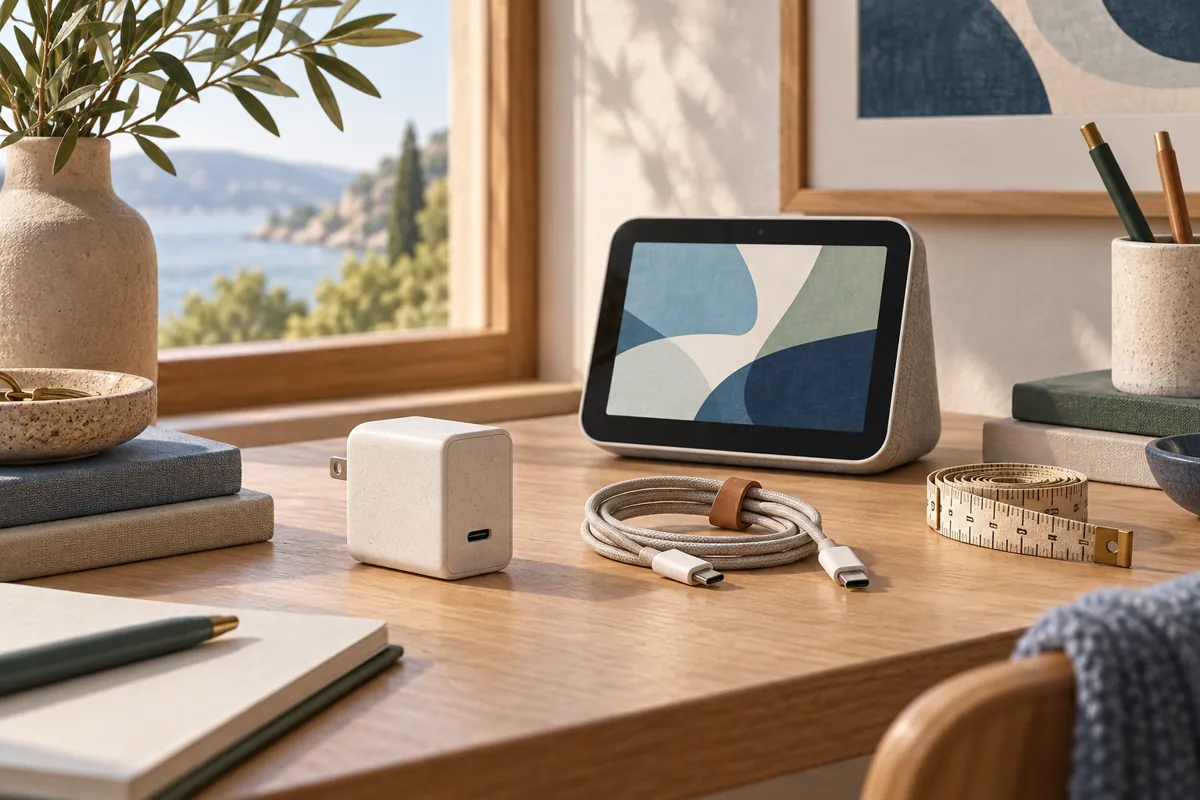
A Apple HomeView power adapter decision starts with the physical model. The tabletop model includes its cable and adapter. The wall model needs a compatible power route, and Apple’s stated external adapter minimum is 20W.
On this page
- HomeView power adapter requirements by route
- Read the port output, not only the headline wattage
- A higher wattage label is not a complete compatibility claim
- Check the complete cable route
- Inspect a reused charger before assigning it permanently
- Separate adapter cost from installation cost
- Why a generic PoE converter is a different question
- A worked reuse example
- Diagnose power symptoms before changing the home setup
- Keep the outlet usable for the household
- Tabletop modelSupplied cable and 30W adapter in the box
- USB-C wall routeSeparate suitable adapter; minimum 20W stated
- AC wall routePower through the professionally installed mount
- PoE wall routeCheck upstream network power equipment
Do not buy a charger just because it has a USB-C socket. Check the documented requirement, the individual port output and the rest of the installation. A charger that works for a phone is not automatically the right permanent supply for a household display.
HomeView power adapter requirements by route
The Apple technical sheet lists a 30W adapter and 1.5 meter cable in the tabletop box. The wall display’s box does not contain those accessories. That difference can make two identical device prices lead to different complete budgets.
For the documented USB-C wall connector route, a separate suitable adapter powers the mount’s cable. AC and PoE mounts use different upstream supplies. Do not add an external wall charger to every route by habit.
The wall mount comparison helps choose the route first. An adapter choice made before that decision can be wasted spending. Work from the full installation back to the required part.
| Installation | External adapter decision | What to verify |
|---|---|---|
| Tabletop with included accessories | Start with the supplied power equipment | Cable condition, outlet access and sensible placement |
| Wall model with USB-C connector mount | Suitable adapter required separately | Minimum output, port behavior and connector fit |
| Wall model with AC mount | Power comes through the assessed wired mount | Qualified installation and exact mount compatibility |
| Wall model with PoE mount | Network power equipment replaces the ordinary outlet route | Supported PoE input, output and network path |
Read the port output, not only the headline wattage
Chargers can advertise a total output that differs from one port’s output. A device with several sockets may share its capacity when more than one is used. Read the specification for the port you intend to dedicate to the display.
If you plan to charge a phone from the same adapter, check the manufacturer’s simultaneous use rules. Do not assume the original single device rating remains available. A permanent household display should not lose its suitable supply whenever someone plugs in another device.
For a Apple HomeView power adapter you already own, record the exact model and output information. If the printing is unclear, look up the manufacturer’s current documentation. A guessed rating is not a sound basis for reuse.
Keep wattage separate from electricity consumption. A supply’s maximum capacity does not tell you what the display draws all day. Do not multiply the adapter rating by every hour of the year and present that as a measured energy bill.
A higher wattage label is not a complete compatibility claim
A charger rated above the minimum may be worth checking, but the number alone is not enough. Confirm the supported output behavior and the intended USB-C use. Follow the display and mount documentation together.
The mount listing’s supported power range also does not establish the screen’s actual consumption. It describes the power system’s capability. Treat those as different facts when comparing products.
Avoid recommending a high output laptop charger solely because it seems powerful. It may be bulky, inconvenient or needed elsewhere. Reuse only makes sense when the exact adapter suits the installation and remains available.
A dedicated supply can simplify troubleshooting. Someone can identify the correct plug without guessing which shared charger powers the screen. Labeling the household equipment discreetly may help more than buying unnecessary extra capacity.
Check the complete cable route
Measure the path from the outlet to the mount, following the intended route along the wall or furniture. Leave practical space around connectors. A cable under constant pull is a poor permanent arrangement.
The Schneider USB-C mount listing specifies its supplied two meter cable. Do not assume that every longer cable or extension preserves the intended setup. Verify a replacement route with the relevant manufacturer’s instructions.
Think about where the adapter sits. A bulky charger may obstruct another socket or press against furniture. A cable that crosses a walking route can be inconvenient even when it reaches electrically.
For the tabletop model, keep the supplied lead accessible for maintenance. If you need a different location, reconsider the room arrangement before improvising a long chain of adapters. Our placement comparison covers the practical model choice.
Inspect a reused charger before assigning it permanently
Check the case, plug and connector for damage. Do not reuse equipment with visible cracking, scorching, bent contacts or intermittent behavior. A questionable adapter should not become a hidden permanent dependency.
Check its history too. If it already causes a phone to disconnect or gets unusually hot in ordinary use, investigate it rather than assigning it to the display. A successful brief charging session is not proof of a sound installation.
Use a reputable supply with identifiable manufacturer information. An unmarked device makes it difficult to confirm ratings or obtain support. Keep the model details in the household equipment inventory.
This is a visual and documentation check, not an electrical certification. If damage or uncertainty remains, use appropriate service or replace the supply with a documented suitable product. Do not open the charger to investigate internal parts.
Separate adapter cost from installation cost
A Apple HomeView power adapter is only one possible expense. A wall plan may also need the mount, a better outlet location or cable management. A low charger price does not resolve those other requirements.
Use the setup cost calculator to record the route and extras independently. Enter zero for an adapter only when you have confirmed suitable equipment to reuse. That makes the calculation reflect your actual plan.
Avoid counting the included tabletop adapter as a separate required purchase. Likewise, do not pretend the wall model includes it. Clear included parts are more useful than a shopping list assembled from generic accessory categories.
Keep optional upgrades in their own column. A smaller adapter or more attractive cable route may be desirable without being required. This distinction helps a household choose where extra spending has a real benefit.
Why a generic PoE converter is a different question
PoE supplies power through network cabling, but its downstream output must still suit the device. A converter with a USB-C plug can provide too little power. Some devices also provide power without the expected Ethernet data connection.
The UniFi adapter specification, for example, lists 5V at 2A output. That equals 10W, below the documented 20W minimum used for the wall adapter route. It should not be recommended as a proven substitute based on connector shape.
Our HomeView PoE guide examines that chain. Keep its network equipment and mounting questions separate from ordinary charger shopping. A cheap converter can change the whole installation design rather than merely reduce one accessory price.
Do not add products to a recommendation box until the relevant specification supports the claim. A candidate charger and a verified compatible route are different editorial categories. Clear evidence is more useful than a long list of options.
A worked reuse example
Imagine a household with a spare single port USB-C charger. The first question is its exact output and documented suitability. The second is whether the cable reaches the chosen wall position without strain.
If both checks pass, the household can enter no new adapter spending in its budget. It should still record the mount and installation costs. Reuse saves a specific part of the project, not the entire installation price.
Now imagine the spare charger is usually used for a laptop. Even if its specifications suit the display, borrowing it daily creates a weak arrangement. The practical decision may be to buy a dedicated suitable supply rather than constantly moving one device’s power source.
These are planning examples, not product tests. The useful lesson is to evaluate availability and the route alongside the rating. A technically plausible charger is less useful when the household cannot leave it connected.
Diagnose power symptoms before changing the home setup
If the display has trouble powering up, begin with the documented supply route. Check that the intended adapter or upstream equipment is connected and available. Do not reset smart home accessories because the display lacks stable power.
If problems appear when another device uses the charger, review shared output rules. If they appear after moving furniture, inspect the cable for strain. Record the trigger before replacing several unrelated parts.
Use the supplied equipment or documented route as the baseline when seeking support. Share the exact adapter and mount model, not just the phrase USB-C charger. Precise information makes a compatibility question easier to answer.
After the screen is stable, test network access and ordinary household tasks separately. Power is a prerequisite, not proof that all features are ready. Finish the device requirements check before calling the installation complete.
Keep the outlet usable for the household
Check whether the proposed adapter blocks another socket or a frequently used appliance. A technically suitable charger can still be awkward behind furniture. Include that physical fit in the final placement check.
Tell household members which supply belongs to the screen. Avoid an arrangement where someone regularly borrows it to charge a phone. The useful goal is a stable, identifiable power route, not simply a spare charger that works during the first demonstration.