
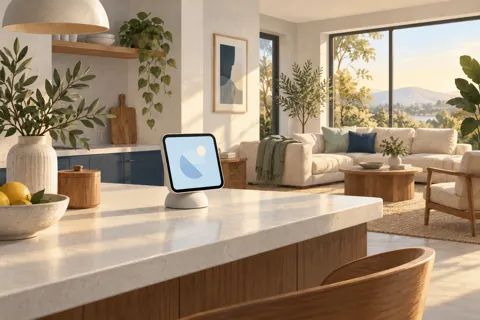
Buying guides
Apple HomeView buying guide: features, fit and costs
Decide whether Apple HomeView solves a useful household problem before choosing a model or replacing existing equipment.
Read the guideDecide whether Apple HomeView solves a useful household problem before choosing a model or replacing existing equipment.
Read the guide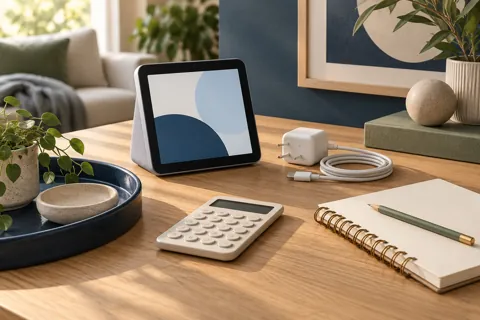
Compare usable installations with worked examples, reused equipment, installer quotes and optional service spending.
Read the guide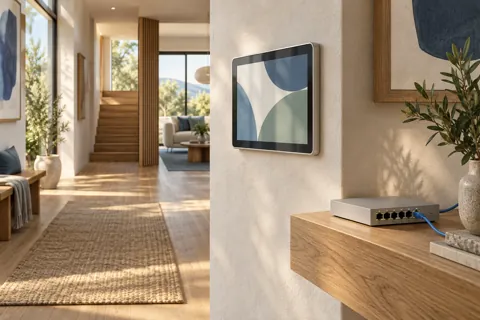
Apple HomeView PoE planning needs three confirmed links: a compatible mount, a suitable network power source and a usable Ethernet route.
Read the guide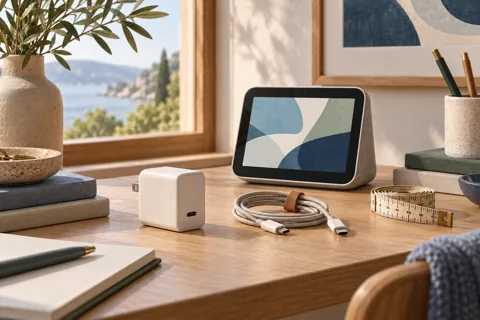
A Apple HomeView power adapter decision starts with the physical model. The tabletop model includes its cable and adapter.
Read the guide
Choose the physical model around the room, task, users and complete power route rather than the bare display price.
Read the guide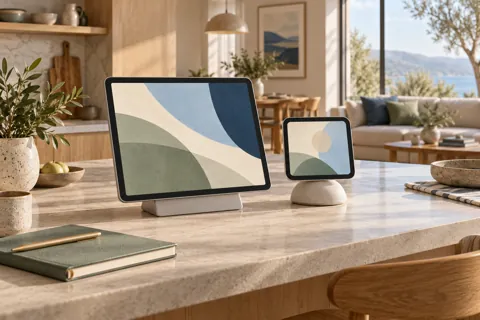
The Apple HomeView vs iPad decision starts with the tablet you already own. If it can perform your actual household task, try it before buying another screen.
Read the guide
A paper outline on the wall can reveal a poor screen location before you spend anything.
Read the guide
Apple HomeView wall mounts should be compared as complete power routes, not just brackets. The documented Schneider options use an external USB-C adapter, household AC wiring or Power over Ethernet.
Read the guideNo matching guides. Try a broader phrase.