
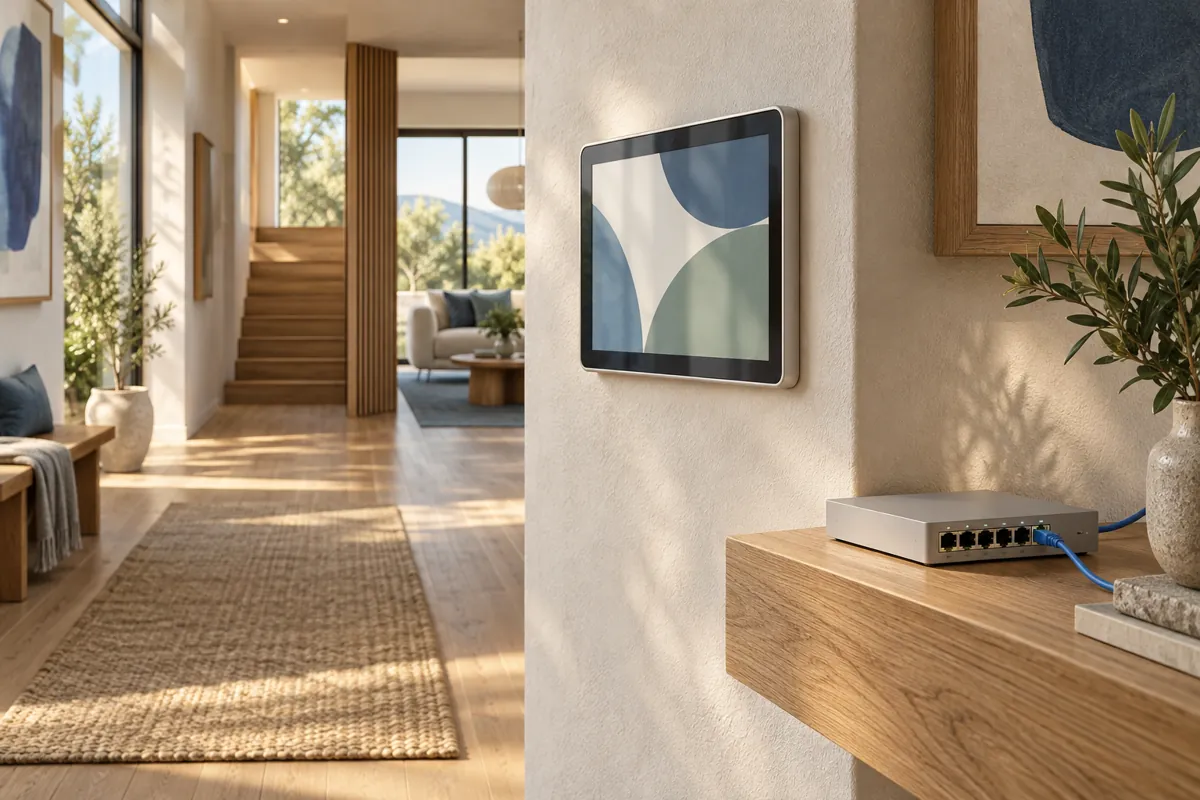
Apple HomeView PoE planning needs three confirmed links: a compatible mount, a suitable network power source and a usable Ethernet route. A USB-C plug at the end of a generic converter does not establish adequate power or wired data. Build the plan around the documented wall model system.
On this page
- HomeView PoE: trace the full chain
- Power over Ethernet is a route, not just an accessory
- Check data support independently
- A concrete adapter mismatch: 10W is not 20W
- Existing wall cables need identification
- Budget the network system honestly
- Plan maintenance and outages
- Questions to ask before signing an installation quote
- Commission the installation as two systems
- Separate the installer handover from account setup
- SourceIdentify the compatible switch or injector
- CableTrace and assess the usable Ethernet route
- MountExact supported wall model equipment
- EndpointVerify adequate output and wired data separately
The listed Schneider PoE mount is announced for early 2027. That timing matters if you want the display at launch. Separate a future installation plan from a product that can be installed immediately.
HomeView PoE: trace the full chain
Start at the network equipment and follow the path to the display. Identify the switch or injector, the cable run, the wall location and the mount. Every part needs a clear job.
The official PoE mount listing describes a power and wired Ethernet data route for the wall model. Its USB-C output is listed at 20W. That is more specific than the broad claim that the screen can use any Ethernet adapter.
Record the exact upstream equipment before ordering. If the manufacturer documentation does not establish a match, keep the item unconfirmed. Do not fill a missing specification with an assumption based on a similar device.
| Link in the chain | Question to answer | Why it matters |
|---|---|---|
| Power source | What switch or injector will supply the mount? | An ordinary Ethernet port does not necessarily supply power |
| Cable route | Where does the cable end, and is it usable? | An unidentified wall cable is not a completed network path |
| Mount | Is this the exact supported wall model mount? | Mechanical support and power connection are separate requirements |
| Output | Does the documented output meet the device requirement? | The connector shape does not reveal available power |
| Data | Is wired Ethernet actually carried to the display? | Power conversion alone is not a network adapter |
Power over Ethernet is a route, not just an accessory
PoE brings electrical power through supported network cabling and equipment. It can reduce the need for an ordinary outlet at the display location. That advantage depends on a suitable cable route already existing or being installed.
Think about the cabinet or rack at the other end. Someone must know which port serves the display and where the power originates. A clean wall appearance should not create an undocumented maintenance problem elsewhere.
If the household already uses PoE equipment, record spare capacity and available ports. If it does not, include the needed network hardware in the budget. A mount price alone understates a new PoE project.
The wall mount comparison puts this route beside USB-C and AC options. Choose PoE because it fits the home, not because a single cable looks elegant in an announcement image. Simplicity at the screen can involve more work behind it.
Check data support independently
A generic PoE converter may only deliver power to a USB device. Its Ethernet input does not prove that the device receives wired network data. Read the output function explicitly.
This distinction matters if your reason for choosing PoE is the wired connection. A power only arrangement could leave the display relying on another network path. That would not meet the original goal even if the screen powers on.
Write two acceptance checks: stable power and the intended wired data connection. Keep them separate in installer notes and after setup. One should not be inferred from the other.
Also avoid promising that wired Ethernet solves every smart home problem. Accessory radios, bridges, accounts and internet services remain separate dependencies. A network cable does not repair an unsupported camera or missing permission.
A concrete adapter mismatch: 10W is not 20W
The UniFi PoE to USB-C adapter specifications list 5V at 2A output. Multiplying those figures gives 10W. That is below the wall model’s documented external adapter minimum.
The comparison is useful because the plug can look suitable while the electrical capacity is not. It is not a claim that the UniFi product is defective. It is evidence that a product designed for another use should not be recommended here without a matching specification.
Do the same check for every proposed alternative. Record the exact output rather than a headline about PoE input. Include whether the intended data path exists.
Our power adapter guide explains the related rating mistakes. A bargain is only useful when it preserves the needed function. An unsuitable converter can cost more once replacement parts and wasted installation work are counted.
Existing wall cables need identification
Find the destination of the proposed cable before choosing hardware. A cable from an old control panel may serve a different system. Its presence is an opportunity to investigate, not proof of Apple HomeView readiness.
Ask the installer to assess the run, termination and intended network use. Record the result in plain language. Keep technical assumptions visible so a later equipment change can be evaluated against them.
Do not assume every old panel installation can be converted by swapping the front device. Different systems can use different power arrangements and connectors. The safe scope is an assessed installation, not an improvised adapter chain.
If a new cable run is required, get a quote for the full route and finishing work. Compare that cost with an outlet based alternative. Existing infrastructure can favor PoE, while a difficult new route may favor another plan.
Budget the network system honestly
The listed mount reference price is $129.95. Adding the announced $299 wall display gives $428.95 before other hardware, labor and tax. This is a simple hardware subtotal, not a quote for a finished room.
Include the switch or injector if you need one, plus the assessed cabling work. Keep optional network upgrades separate. Do not charge the whole cost of an existing household network to one display unless that spending is actually required.
Use the cost calculator with your own figures. It lets you show reused equipment clearly. That is more useful than comparing the mount price against another route that includes its needed parts.
Also include timing in the decision. Waiting for the announced mount may be reasonable if the network route is the right final plan. Buying a temporary mount first creates another expense that should be visible.
Plan maintenance and outages
Record how the display is powered and which upstream device controls that supply. If network equipment loses power, the screen’s power can be affected too. People should know where to look before troubleshooting the display itself.
Some homes use backup power for network equipment. Do not promise a particular backup duration without the actual battery and load figures. The screen, mount and other devices can change the total load.
For Apple HomeView PoE, keep outage expectations separate by function. A powered screen, a working local network and an available internet service are different states. A backup arrangement does not automatically preserve every cloud dependent feature.
Document a simple recovery order with the installer. Restore the upstream equipment, confirm the cable path, then test the endpoint. Avoid resetting accessories as the first response to a power outage.
Questions to ask before signing an installation quote
- Which exact PoE source and port will power the mount, and what evidence establishes compatibility?
- Where does the existing cable terminate, and what work is needed to make the route usable?
- Does the proposed arrangement carry wired data as well as power to the display?
- What mounting, wall box and finishing work is included in the quoted price?
- Who will label the route and provide the final equipment inventory?
- How will the completed installation be tested, and who handles a problem afterward?
These questions define a reviewable project. They are more useful than asking whether a contractor can install a smart screen in general. Keep the answers with the order confirmation and exact hardware models.
Commission the installation as two systems
First confirm the physical mount and stable power through the documented equipment. Then confirm the intended network connection. Only after those steps should you test home controls and media services.
Use ordinary household tasks for the final acceptance pass. Try the controls the family needs rather than treating a welcome screen as completion. The wall installation guide provides a broader room and access checklist.
At the October 14 research snapshot, this guide is a documented planning analysis. We have not tested shipping HomeView PoE hardware. Keep the announced timing and unresolved equipment details visible until the actual installation can be verified.
Separate the installer handover from account setup
The installer should document the physical network and power route. The household should separately manage Apple accounts and service credentials. There is no need to place personal passwords in a cable inventory.
Ask for a clear label at the upstream port and a note describing the display location. That makes maintenance easier when several cables look alike. If network equipment is replaced later, the record identifies which endpoint needs its power and data arrangement reassessed.